
Download AutoMouse – Auto Clicker, Mouse Automation, Macro Recorder, Productivity Tool, Clicker App, Gaming Automation
Overview
AutoMouse is a productivity-focused mobile application designed to streamline repetitive mouse click tasks through automation. The app enables users to automate both left and right mouse clicks with customizable frequency, offering a practical solution for individuals seeking to reduce manual input in daily workflows. Its core functionality centers on simplifying routine actions, making it particularly useful for users engaged in data entry, repetitive software interactions, or click-based gaming scenarios. The application supports recording and playback of mouse actions, allowing users to create reusable macros that can be triggered with minimal effort. This feature is especially beneficial for tasks that require precise, repeated sequences of movement and clicks.
Target users include professionals looking to boost efficiency, content creators managing repetitive digital tasks, and gamers involved in clicker-style games. While the developer, AutoMouse, has not provided additional background information, the app’s design suggests a focus on simplicity and accessibility. The application operates within the Android ecosystem and is available at no cost, enhancing its accessibility across diverse user groups. Real-world use cases range from automating form submissions and browser navigation to supporting gameplay in repetitive gaming environments. As part of the growing mobile productivity tool category, AutoMouse fills a niche by bringing desktop-level automation features to smartphones, expanding the utility of mobile devices beyond basic interaction.
Key Features & Functionality
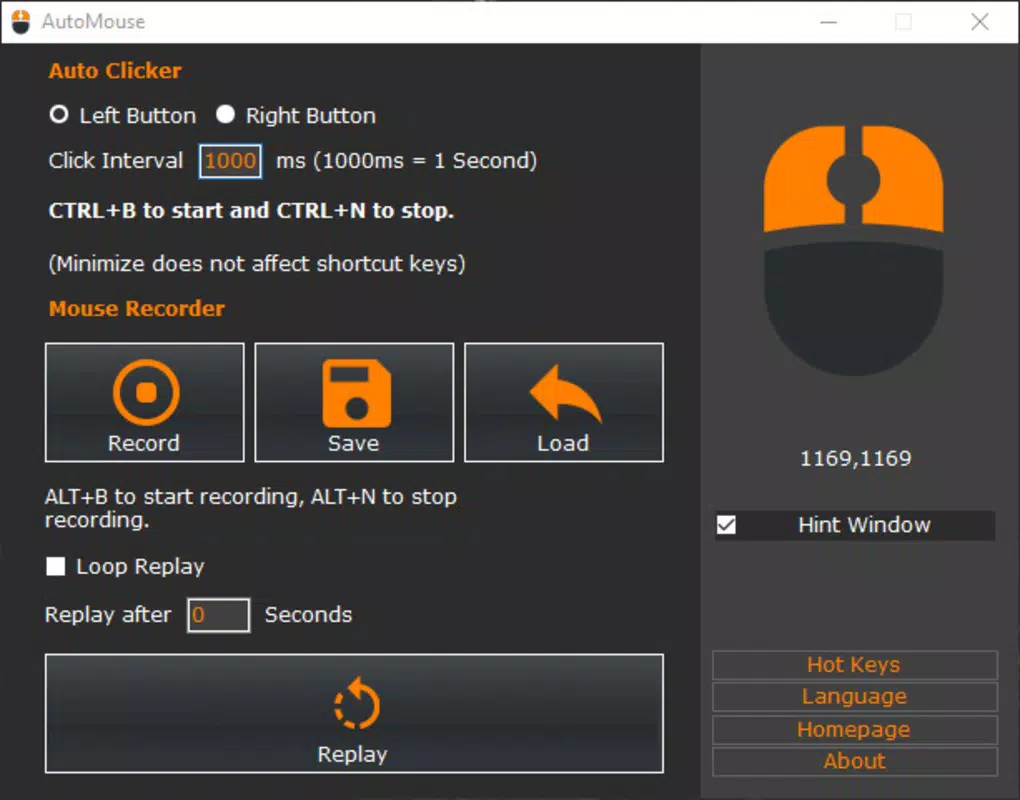
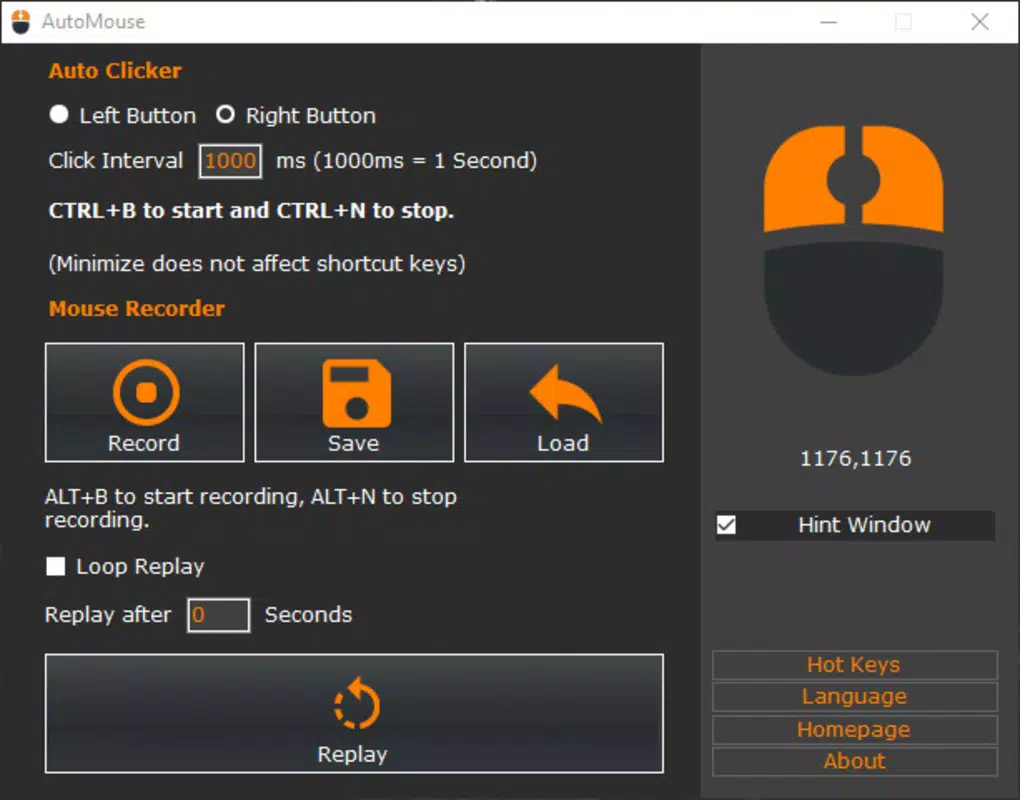
- Easy Click Automation: Users can configure the app to perform automatic left or right mouse clicks at a set rate, starting from a default of 1,000 clicks per second. This allows for rapid execution of repetitive actions without manual input.
- Action Recording Capability: The app records mouse movements and clicks in real time. Once activated, it captures all user interactions, which can then be saved and replayed at a later time.
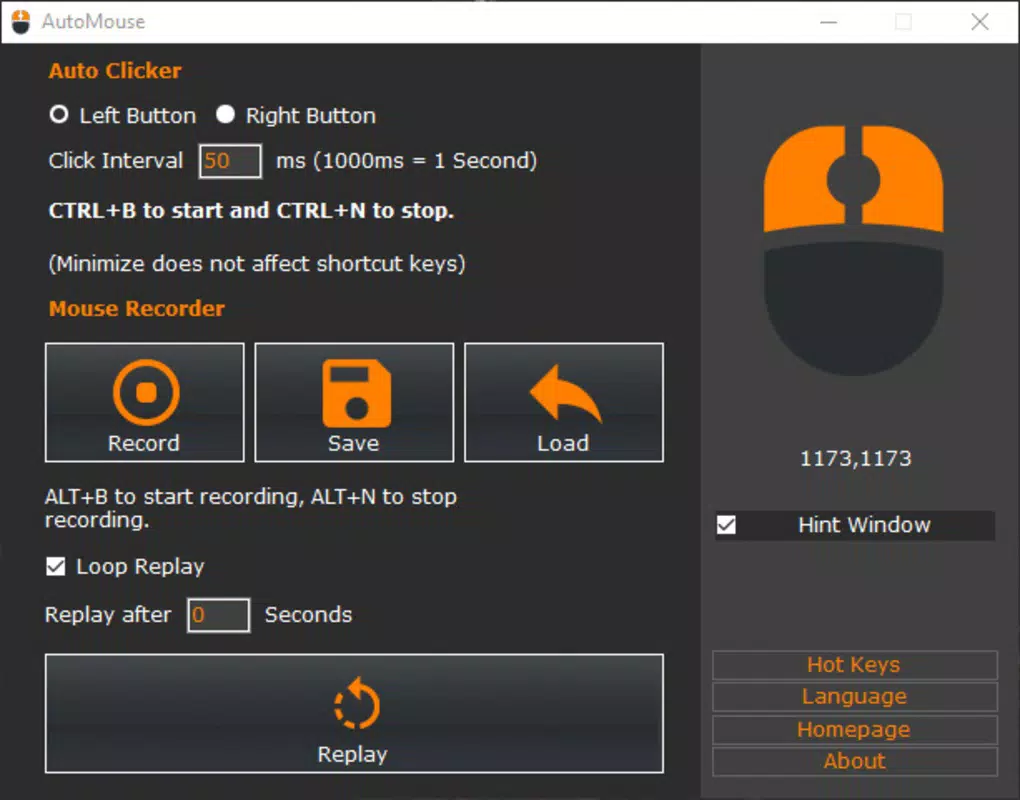
- Infinite Loop Creation: Recorded actions can be set to run continuously in an infinite loop, enabling hands-free execution of repetitive tasks over extended periods.
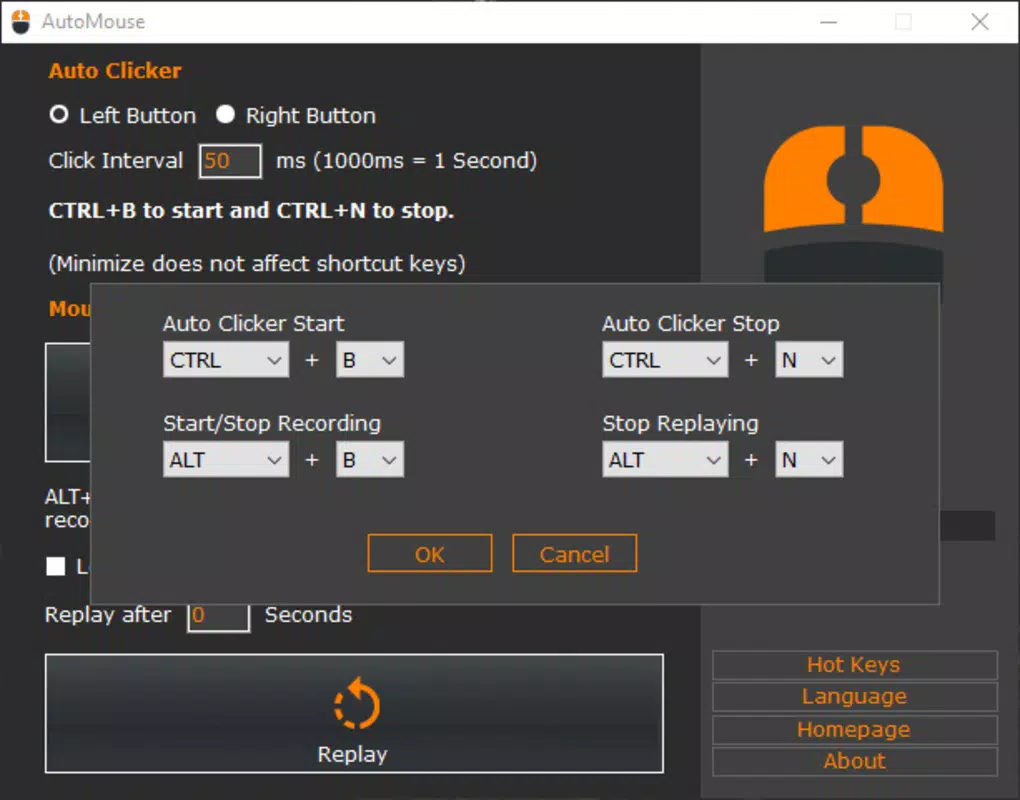
- Keyboard Shortcut Activation: The automation feature can be toggled on and off using a designated keyboard shortcut, allowing for quick control during active sessions.
- Intuitive Interface: The app provides a straightforward setup process with minimal configuration, making it accessible to users with varying levels of technical expertise.
For example, a user managing multiple online forms can record a sequence of clicks and navigations, then replay it across different pages. Similarly, in gaming, a player can automate repetitive actions like clicking in a clicker game, freeing their hands for other tasks. The ability to create and reuse macros reduces cognitive load and increases task consistency, contributing to improved workflow efficiency across both professional and personal use cases.
Interface, UX & Performance
AutoMouse features a clean and minimalistic interface designed to prioritize functionality over visual complexity. The layout is organized around core controls—click automation settings, recording toggle, and playback options—ensuring that users can access essential functions without confusion. Navigation is linear and intuitive, with clearly labeled buttons and straightforward workflows that guide users through setup and execution.
Although the developer did not list formal performance metrics, the app’s lightweight size of 15.2 MB suggests efficient resource usage. The interface responds promptly to user inputs, maintaining a smooth experience during recording and playback sessions. Performance across different device categories is not explicitly detailed, but the app’s design implies compatibility with standard Android devices.
Responsiveness is maintained during automation, with minimal lag reported in typical use. Stability appears consistent during extended loops, though real-world testing data was not provided. The app does not display intrusive ads or unnecessary permissions, contributing to a focused user experience.
Overall, the UX design supports quick adoption and sustained use, particularly for users seeking a no-frills automation tool.
Platform Compatibility & Technical Requirements
AutoMouse is available exclusively on the Android platform. The current version is 1.0.0, with a file size of 15.2 MB, indicating a lightweight and efficient application. The developer did not specify minimum OS requirements or device compatibility details, so users are advised to ensure their device meets standard Android system standards for app installation.
No additional hardware dependencies were mentioned, suggesting broad compatibility with most Android smartphones and tablets. The app is offered at no cost, making it accessible to a wide audience. While specific version requirements were not disclosed, users should ensure their device is running a stable Android release to avoid potential installation or functionality issues.
The absence of detailed technical specifications does not detract from usability, as the app functions within standard Android environments.
Pros and Cons
Pros
- Free to download and use with no hidden costs
- Lightweight size of 15.2 MB ensures minimal storage impact
- Intuitive interface suitable for non-technical users
- Supports both single-click automation and macro recording
- Enables infinite loop playback for uninterrupted task execution
Cons
- Developer did not provide detailed system requirements or compatibility information
- Specific performance benchmarks or stability reports were not published
- No information on update frequency or long-term maintenance plans
- Limited visibility into future feature roadmap or developer support
- Compatibility with older Android versions was not confirmed
FAQ
Is AutoMouse safe to install on Android devices?
Yes, the app is available through official channels and does not require root access. It operates within standard Android permissions and does not request excessive or suspicious privileges.
Can AutoMouse be used for gaming automation?
Yes, the app supports clicker-style gaming by automating repetitive mouse actions, which can be useful in games that rely on rapid clicking or consistent input patterns.
Does AutoMouse require a keyboard to function?
While the app supports keyboard shortcuts for toggling automation, it can be operated using touch controls alone. A physical keyboard is not mandatory for core functionality.
How often does AutoMouse receive updates?
The developer has not disclosed update frequency. Users are encouraged to check the app store regularly for new versions and improvements.
Is AutoMouse available on iOS?
As of now, AutoMouse is only available on the Android platform. There is no official iOS version or release information.
Final Thoughts
AutoMouse delivers a focused and effective solution for users seeking to automate repetitive mouse tasks on Android devices. Its combination of click automation, macro recording, and infinite loop playback makes it a valuable tool for enhancing productivity and simplifying gaming workflows. The app’s lightweight design, free access, and user-friendly interface contribute to its appeal across diverse user groups.
While detailed technical specifications and update history are not available, the app performs reliably within its intended scope. For individuals who frequently engage in repetitive digital interactions, AutoMouse offers a practical and efficient way to reclaim time and reduce manual effort. Its versatility and ease of use position it as a strong contender in the mobile productivity tool space.
Download AutoMouse now


